
Appearance
Getting Started with OnixFeed
Welcome to OnixFeed, your complete book metadata management solution. This guide will help you get started with the platform.
Logging In
- Navigate to your OnixFeed URL (provided by your administrator)
- Enter your email address and password
- Click Sign In
If you've forgotten your password, contact your administrator to reset it.
The Dashboard
After logging in, you'll see your personalised dashboard. What you see depends on your user role:
Overview Statistics
At the top of the dashboard, you'll see key metrics:
- Total Books - The number of books in your catalog
- Unique Titles - Count of distinct titles (excluding variants)
- Language Variants - Number of language editions
- This Month - Books added in the current month
Quick Actions
Below the statistics, you'll find shortcuts to common tasks based on your role:
For Editors:
- Add New Book
- Import Books
- Export Data
- Review Queue
For Authors:
- My Books
- New Submission
- My Profile
For Stock Managers:
- Stock Overview
- New Orders
- Stock Reports
Charts & Analytics
The dashboard includes visual reports:
- Monthly Additions - Track how your catalog is growing
- Language Distribution - See the breakdown of languages in your catalog
- Publisher Distribution - View books by publisher
Understanding User Roles
OnixFeed uses roles to control what you can see and do. You may have one or more of these roles:
| Role | What You Can Do |
|---|---|
| Admin | Full system access including user management and settings |
| Publisher | Manage books and metadata for your assigned publishers |
| Editor | Create and edit books, manage imports/exports, handle ONIX feeds |
| Author | View and manage your own book submissions |
| Reviewer | Access the review queue and manage reviews |
| Stock | Manage inventory and stock levels |
Your navigation menu will only show options relevant to your role(s).
Navigation
The sidebar on the left provides access to all features. Common sections include:
- Dashboard - Your home screen with overview and quick actions
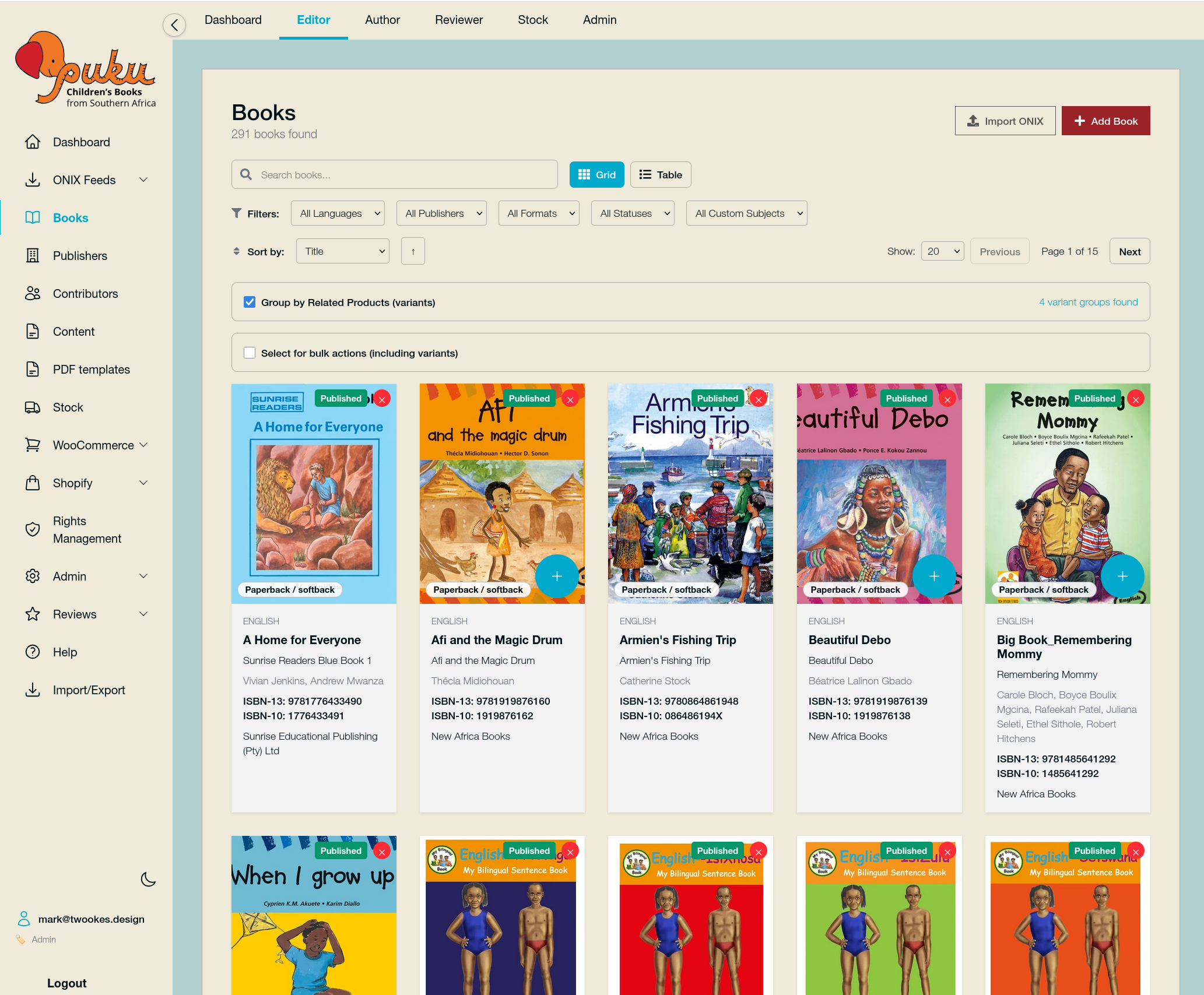
- Books - Your book catalog
- ONIX Feeds - Manage data feeds for distribution
- Contributors - Authors, illustrators, and other contributors
- Help - Access documentation and support
First Steps
Depending on your role, here's what to do first:
If You're an Editor
- Explore the Books section to see your current catalog
- Try the Import feature to add books from CSV or ONIX
- Set up an ONIX Feed for your distributors
If You're an Author
- Check My Books to see your titles
- Review any pending submissions
- Update your contributor profile
If You're a Stock Manager
- Go to Stock to view current inventory
- Update stock levels as needed
- Export stock reports
Getting Help
If you need assistance:
- Check the Help section in the navigation for documentation
- Visit our support portal at support.onixfeed.com
- Contact your administrator for account-related issues
Next: Managing Your Books