
OnixFeed for Shopify
Turn your OnixFeed collection into a Shopify bookstore.
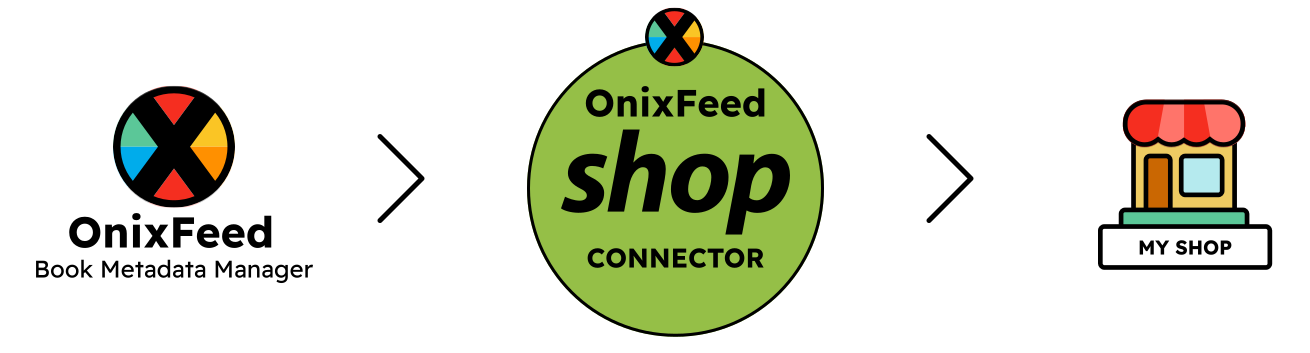
Choose the books in OnixFeed, add Shopify as a channel, and connect your store with the OnixFeed Shop Connector. Your catalogue becomes structured Shopify products and stays updated without rebuilding every title by hand.
Choose the books. OnixFeed handles the product data.
A store collection defines the books you want to sell. The connector turns that selection into Shopify products and variants with titles, descriptions, ISBNs, covers, formats, languages, prices, availability, and stock.
Language and format editions can stay together as variants, giving customers clear choices while preserving the ISBN and product information for each edition.
Keep your Shopify catalogue updated by sync
Run a sync whenever you need it or set the channel to update on a schedule. Products created by the connector are updated in place, so a corrected description, new cover, price change, or stock update can move from OnixFeed into Shopify without recreating the product.
If a book leaves the store collection, OnixFeed drafts the Shopify product instead of deleting it. Add the book again and it can be published on the next sync.
Give every shop its own commercial settings
The same book list can be published to more than one Shopify shop, while each channel keeps its own market, markup, price rules, edition grouping, stock authority, and schedule.
OnixFeed writes a price only when it matches the shop currency and includes tax. Records without a suitable market price remain as drafts, helping prevent incomplete products from being placed on sale.
Turn book metadata into ways to browse
OnixFeed can create Shopify collections from the structured information already attached to your books, including language, series, ONIX collections, Thema subjects, age ranges, grade levels, and publisher.
Readers can move through the catalogue using information that matters for books, while your team continues to maintain that information in OnixFeed.
Bring publishers, contributors, and reviews with each title
Publisher, contributor, and review records are created in Shopify and linked to the relevant products. This gives your storefront the information needed for richer author, publisher, and review experiences instead of reducing every book to a title, image, and price.
Keep the Shopify theme you already use
The connector does not replace your theme. It works with Shopify Online Store 2.0 themes and includes optional app blocks for book details and a language grid. Add the blocks through the Shopify theme editor where they suit your design.
You can also choose which Shopify sales channels receive the connected products.
Decide where stock is managed
By default, OnixFeed sends stock quantities to Shopify. If Shopify is the stock authority for that market, quantity can instead flow back to OnixFeed and will not be overwritten by the next catalogue sync.
Only stock quantity is written back. Book metadata remains managed in OnixFeed, and orders are not imported.
Connect a shop in a few clear steps
- Create or choose a store collection in OnixFeed.
- Add Shopify as a channel and set its market, pricing, stock, and schedule.
- Generate the publication key.
- Install the OnixFeed Shop Connector in Shopify.
- Enter the OnixFeed address and key, choose the Shopify sales channels, and sync.
Shopify Basic is sufficient. Your store does not need Shopify Plus or a custom OnixFeed theme.
One catalogue for Shopify, WooCommerce, and trade feeds
The same maintained catalogue can supply Shopify, WooCommerce, ONIX partners, and sales catalogues. Choose the books and channels without creating another master copy of your data.
If you would like us to integrate with a specific platform, please get in touch.
Need help with your e-commerce store?
We can help with the complete process, from preparing your catalogue and selecting the right books to designing, building, and launching your online store.
If you already have a WooCommerce or Shopify store, we can help bring OnixFeed into your existing setup with as little disruption as possible.